
List-Unsubscribe is an email header (RFC 2369) that lets mailbox providers show an unsubscribe button near the sender name. Instead of scrolling to the footer to find an opt-out link, recipients can unsubscribe right from their inbox.
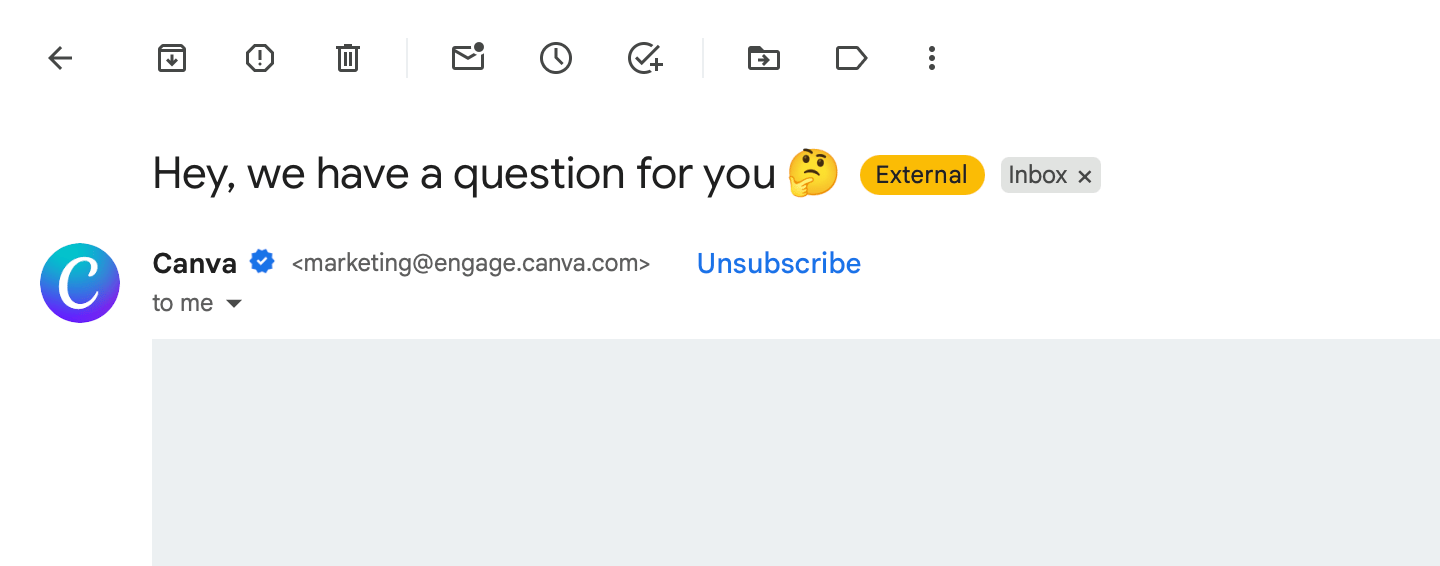
Making it easier to unsubscribe sounds counterintuitive, but without it, the most obvious way for someone to stop receiving your emails is to mark them as spam. It also means disengaged contacts actually leave instead of going silent. Your list gets smaller, but the people on it are the ones reading and clicking, which is what mailbox providers care about when deciding whether to deliver your mail.
Gmail makes the unsubscribe header even more beneficial for senders with a good reputation: when someone hits the spam button, Gmail intercepts it and shows an "Unsubscribe instead?" prompt, turning what would've been a complaint into an opt-out.
Since 2024, Gmail and Yahoo require bulk senders to support one-click unsubscribe via this header. Messages without it get rejected.
Sendfully handles the entire unsubscribe process for you, including adding List-Unsubscribe headers to your broadcasts. For those who are curious, the rest of this article covers how it works.
How the List-Unsubscribe header works
The header supports two methods: HTTPS and mailto.
HTTPS is a URL that unsubscribes the contact. Think of it like the opt-out link in the email footer, except the recipient never visits a webpage. The mailbox provider handles it in the background. This is the method RFC 8058 requires for one-click unsubscribe, and what Gmail and Yahoo enforce.
Mailto sends an unsubscribe email to an address you specify. You then have to process the request yourself. Not a great experience for you or your subscribers, and it doesn't satisfy one-click requirements.
One-click unsubscribe requires two headers working together:
List-Unsubscribe: <https://example.com/unsubscribe/opaquepart>List-Unsubscribe-Post: List-Unsubscribe=One-ClickThe List-Unsubscribe-Post header tells the mailbox provider that the endpoint supports one-click.
The Gmail and Yahoo requirement
In October 2023, Google and Yahoo announced new rules for bulk senders (anyone sending 5,000+ messages per day): authenticate with SPF, DKIM, and DMARC; support one-click unsubscribe; and keep spam complaint rates low.
Yahoo started enforcing the one-click requirement in June 2024. Gmail began rejecting non-compliant email in November 2025. This only applies to marketing messages, not transactional emails. Senders must process unsubscribes within 2 days.
How Sendfully handles it
Sendfully adds List-Unsubscribe and List-Unsubscribe-Post headers to every broadcast automatically. When someone clicks the unsubscribe button in their inbox, Sendfully marks the contact as unsubscribed and excludes them from future broadcasts. No extra setup needed to meet the Gmail and Yahoo one-click requirement.