
Email lists decay faster than most senders expect. Annual list decay hit 23% in 2025, down from a peak of 28% in 2024. People change jobs, abandon addresses, and switch providers. Roughly a quarter of your list goes stale every year.
For newsletter senders, that decay creates a real problem. Hard bounce rates above 2% damage your sender reputation. Above 4%, your email service provider may suspend your account entirely.
Email verification APIs catch invalid, disposable, and risky addresses before they cause that damage. There are dozens of verification providers, and most claim 99% accuracy. Here's how the major ones actually compare.
How email verification works
Most verification APIs run the same core checks in sequence:
- Syntax validation checks the email format against RFC 5321 rules, like a missing @ symbol or invalid characters
- DNS and MX lookup confirms the domain exists and has mail servers configured, for example verifying that gmail.com actually accepts email
- SMTP handshake connects to the mail server and asks whether a specific mailbox exists, without actually sending a message
On top of these, verification providers add checks for:
- Disposable email addresses like temporary inboxes that expire after a few hours
- Role-based addresses like info@, admin@, or support@ that typically go to groups rather than individuals
- Catch-all domains where the server accepts mail for any address, so there's no way to confirm whether a specific mailbox is real
Some APIs return granular results beyond "valid" or "invalid." Look for verification providers that distinguish between deliverable, undeliverable, risky, and unknown, with sub-statuses explaining why.
What to look for
Accuracy in practice, not in marketing. Every verification provider claims 95-99% accuracy. Real-world results vary between providers on the same list. Test providers against your own list before committing.
Catch-all handling. Catch-all domains accept mail for any address, so no verification provider can truly verify individual mailboxes on these servers. Choosing a provider that gives you a clear catch-all classification can help you make better sending decisions.
Pricing model. Some verification providers sell per-verification credits. Others offer monthly subscriptions. Some credits expire after a year. Match the model to your usage: credits for occasional bulk cleaning, subscriptions for ongoing real-time verification at signup.
API quality. If you're building verification into a signup flow, look at documentation quality, SDK support, rate limits, and webhook callbacks. If you're uploading CSV files through a dashboard, integrations and ease of use matter more.
Pricing comparison
| Provider | Free Tier | 10K Cost | 100K Cost | Credits Expire? |
|---|---|---|---|---|
| ZeroBounce | 100/month | $80 | ~$425 | No |
| Emailable | 250 | $60 | $420 | No |
| MillionVerifier | Trial | $39 | $149 | No |
| EmailListVerify | 100 | $27 | $186 | No |
| DeBounce | 100 | ~$15 | ~$90 | No |
| NeverBounce | 10 | ~$50 | ~$400 | Yes (1 year) |
| Bouncer | 100 | $60 | $400 | No |
| Kickbox | 100 | $80 | $800 | Yes (1 year) |
Prices may be out of date. Check each provider's site for current pricing.
The providers
ZeroBounce
ZeroBounce serves 500,000+ businesses and offers SDK support for 16 programming languages, the broadest of any provider listed. It provides SOC 2 Type II, ISO 27001, and HIPAA compliance, with AI-powered scoring for catch-all addresses. After a free tier of 100 verifications per month, pay-as-you-go pricing starts at $20 for 2,000 verifications.
Pros
- 25+ status codes covering mailbox full, spam traps, and greylisting
- AI scoring model rates catch-all addresses on a 0-10 engagement scale
- Inbox placement testing, blocklist monitoring, and email warmup tools available through ZeroBounce ONE plan
- 60+ integrations
- Credits never expire, unknown results are free
- 24/7 support
Cons
- Bulk processing runs notably slower than competitors
- Higher per-verification costs than budget alternatives
Emailable
Emailable serves 300,000+ businesses. Results include a 0-100 quality score, mailbox full detection, no-reply identification, and data enrichment.
Pros
- Rich verification data with quality scores, SMTP verification, and disposable email detection
- Thorough API documentation with OAuth 2.0 support
- 30,000 verifications per minute
- 100+ integrations across marketing platforms, CRMs, analytics providers, and more
- Inbox placements and insights
- 250 free verifications on signup, credits never expire
Cons
- Only 3 SDKs (Node.js, Ruby, Python)
- Not HIPAA compliant
- 25 requests per second rate limit for single verification
MillionVerifier
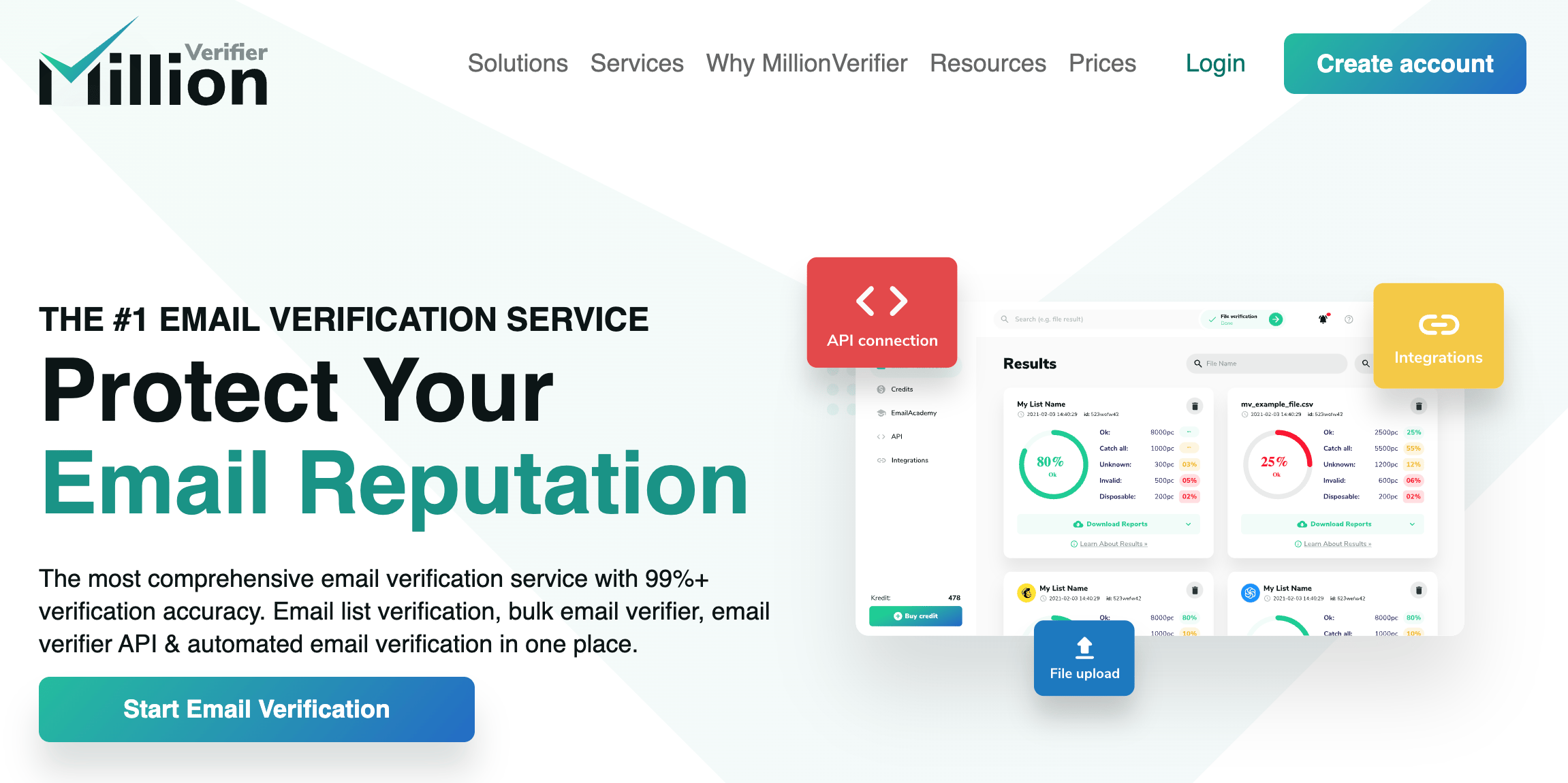
MillionVerifier has the lowest pricing at high volume ($449 for 1 million verifications) and an EverClean service (starting at $15/month) that automates recurring list cleaning. Over 70,000 businesses use the service.
Pros
- Lowest pricing at scale ($449 per million verifications)
- EverClean automates recurring list maintenance starting at $15/month
- Integrates with 17 email marketing platforms
- GDPR compliant
- Credits never expire
Cons
- Minimal enrichment (5 result categories, no quality scores or mailbox full detection)
- No SOC 2, HIPAA, or ISO 27001 certifications
- Weaker accuracy on catch-all and Yahoo addresses in independent testing
EmailListVerify
EmailListVerify returns granular status classifications that explain exactly why an address was flagged. Pricing is competitive at $27 for 10,000 verifications and $186 for 100,000. Notable customers include Shopify, InVision, and Rackspace.
Pros
- 11 status categories vs 4-5 for most other services
- SDKs for 5 languages (Python, PHP, TypeScript/JS, C#, Ruby)
- 100,000+ verifications per hour
- Verification credits never expire, Chrome extension for quick lookups
Cons
- Per-email API missed disposable email detection in independent testing, though the bulk API was accurate
- No SOC 2 or ISO 27001 certifications
- Not HIPAA compliant
DeBounce
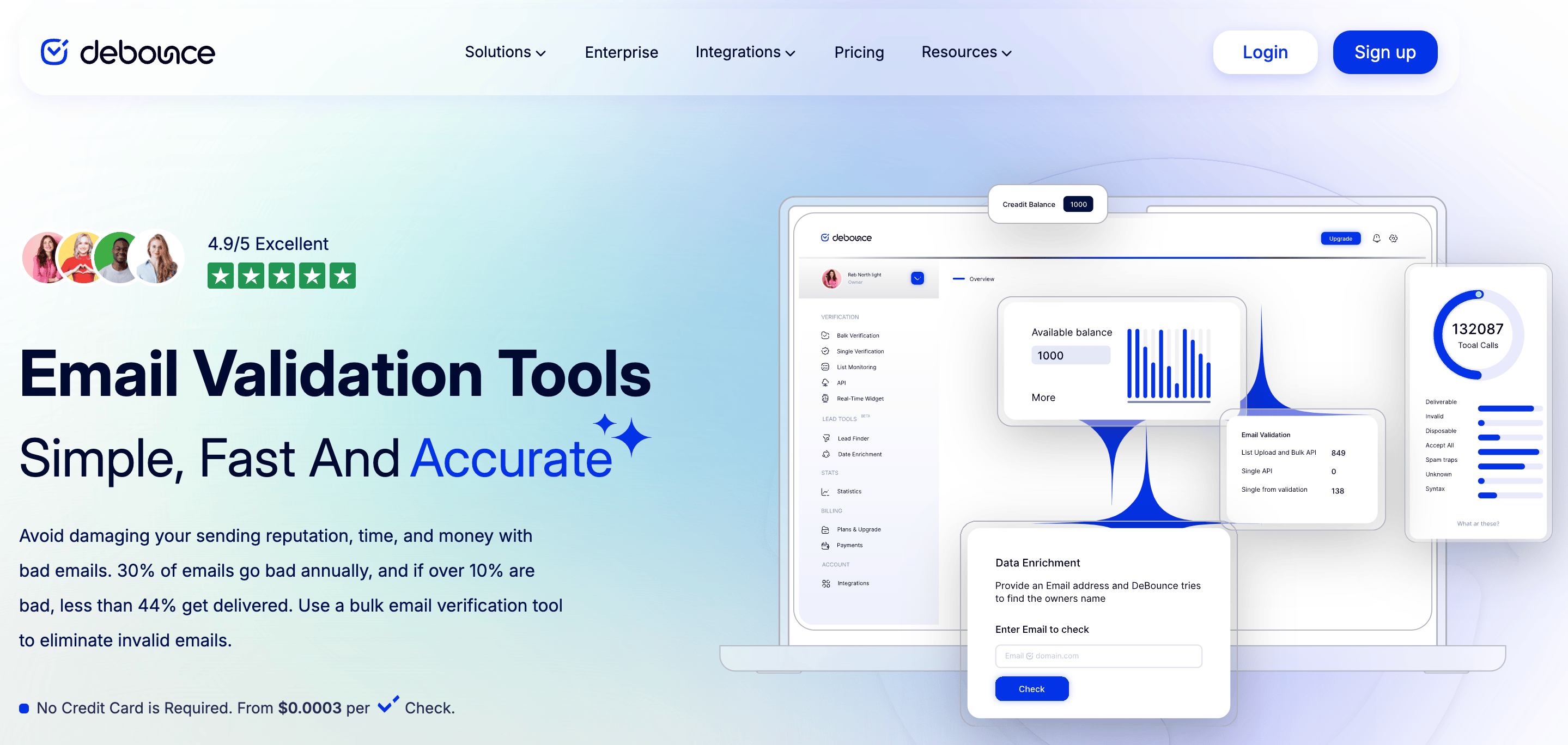
DeBounce offers some of the lowest per-verification costs at scale ($0.0003 at high volume). The WordPress plugin ecosystem is strong, covering Gravity Forms, WPForms, and others.
Pros
- Lowest pricing tier alongside MillionVerifier
- Strong WordPress ecosystem for real-time signup verification
- Verification credits never expire, large range of payment methods
- 97.5% deliverability guarantee with triple credit refund below threshold
Cons
- Catch-all validation costs 10 credits per address vs 1 for regular verification
- Email-only support, no live chat or phone
- No SOC 2 or HIPAA certifications
NeverBounce
NeverBounce, owned by Validity, serves 150,000+ businesses including Uber, Dell, and Indeed. Its main strength is its direct integrations, plus an automated sync feature that cleans your CRM or ESP lists daily without manual intervention. Pricing starts at $8 per 1,000 verifications.
Pros
- 80+ integrations with marketing platforms
- Automated sync on a cadence with CRMs and ESPs
- Official SDKs in 7 languages
Cons
- Verification credits expire after one year
- No quality scores or data enrichment features
- No SOC 2 or HIPAA certifications
- Free tier is only 10 verifications
Bouncer
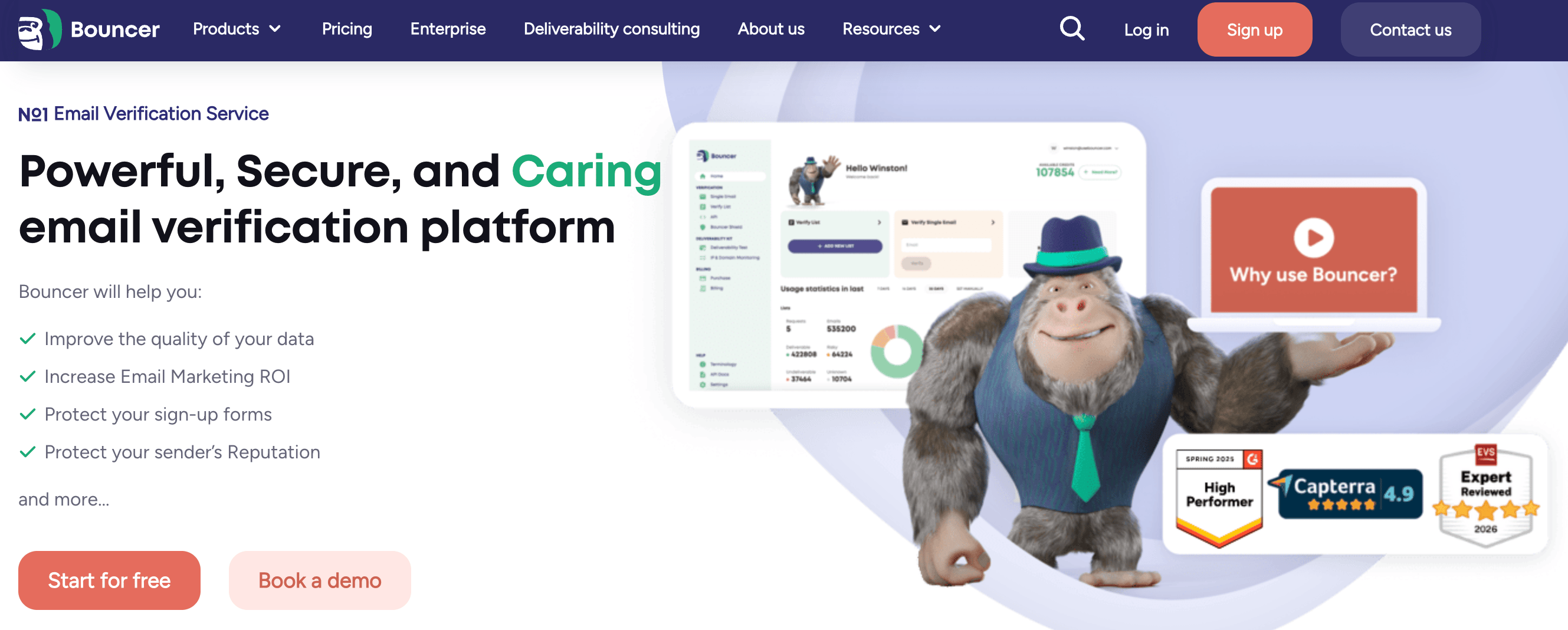
Bouncer results include a 0-100 quality score, and engagement insights. Pricing starts at $8 for 1,000 verifications.
Pros
- Quality score, and engagement insights per address
- Verification credits never expire, shared across team members
- GDPR compliant
- 22 integrations with marketing platforms
Cons
- No SOC 2 or HIPAA certifications
- Limited documentation
- No up-to-date SDKs
Kickbox
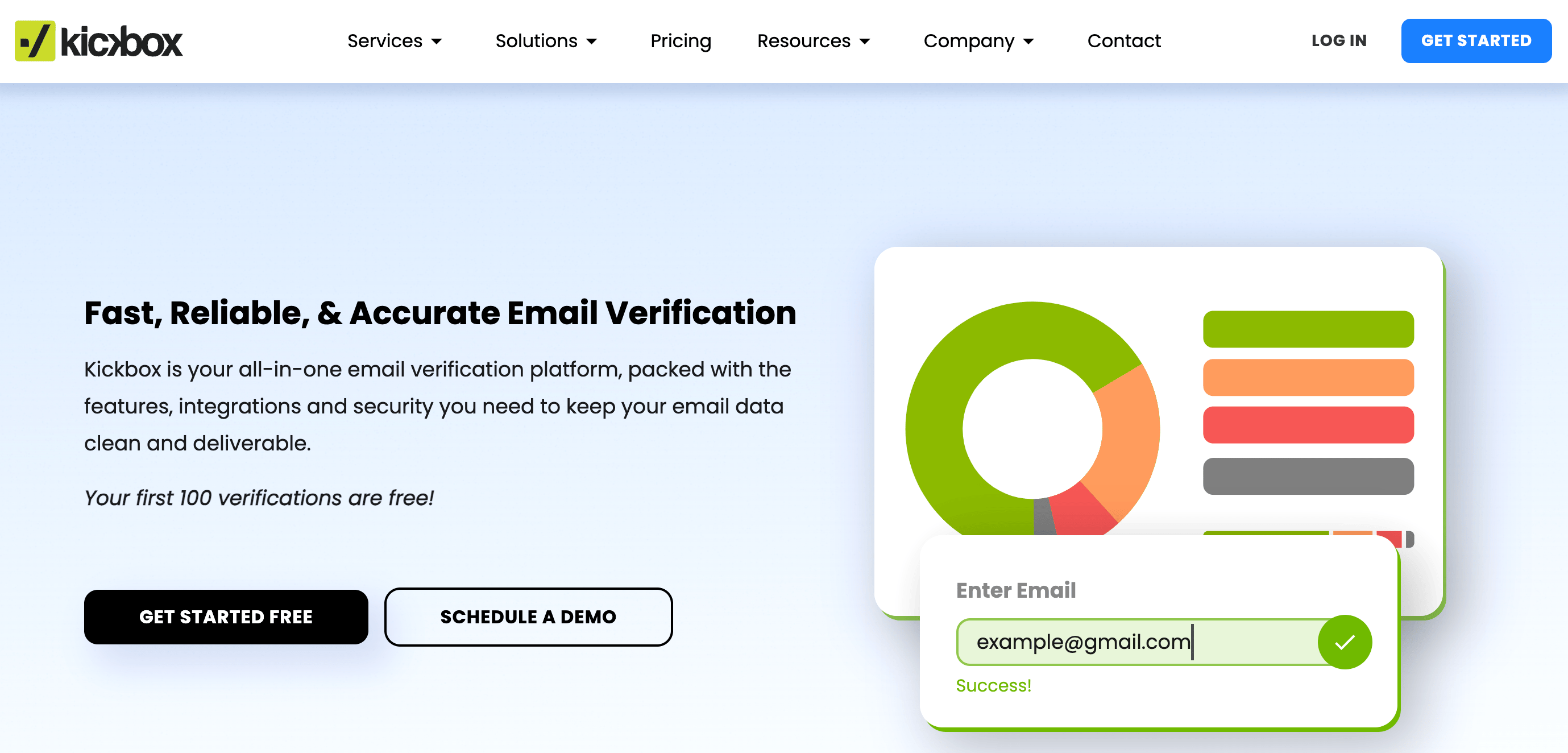
Kickbox does not charge for unknown results, and each verification returns a 0-1 quality rating instead of binary pass/fail. They claim a 95% deliverability guarantee, more conservative than competitors. Single verifications average 350ms, among the fastest in this comparison. Notable customers include Vrbo, Expedia, and SeatGeek.
Pros
- No charge for unknown results
- Granular quality ratings for each address
- 350ms average response time
- SOC 2, GDPR, HIPAA, and ISO 27001 compliance claimed
- SDKs for 4 languages
- 25-30 integrations plus Zapier
Cons
- Verification credits expire after 1 year
- Highest per-verification cost at scale
How to choose
Your use case should drive the decision:
Bulk cleaning on a budget. MillionVerifier offers the lowest per-verification costs at volume. DeBounce and EmailListVerify are also competitive.
Building verification into a signup flow. Emailable has strong developer documentation and a test mode for development. Kickbox returns results in ~350ms with a continuous quality score. ZeroBounce offers the most SDK languages.
Users who want integrations. Emailable (100+ integrations), NeverBounce (80+ with automated sync), and ZeroBounce (60+) connect directly to the most platforms.
Privacy-sensitive industries. ZeroBounce for SOC 2 Type II, ISO 27001, and HIPAA. Kickbox also claims SOC 2, HIPAA, and ISO 27001 compliance.
Ongoing automated maintenance. MillionVerifier's EverClean and NeverBounce's automated Sync both handle recurring verification without manual uploads.
The best approach is to test before committing. Every provider offers a free tier. Run a sample of your actual list through 2-3 providers and compare the results.
Verification is one piece of list hygiene
Email verification catches bad addresses before they enter your list or before a campaign goes out. But with email databases degrading at 23-28% per year, it needs to be an ongoing practice, not a one-time cleanup.
Verify at signup to keep bad addresses out. Re-verify your full list every few months, particularly before major campaigns. And combine verification with engagement-based hygiene: removing subscribers who haven't opened in 90+ days prevents reputation damage from disengaged contacts.
Sendfully's automated list hygiene works alongside verification APIs. Hard bounces immediately suppress the contact, repeated soft bounces trigger automatic suppression, and spam complaints are handled without manual intervention.